Settings
The settings bring together the component configuration and the checks that ensure the MCP server is working properly.
Component settings
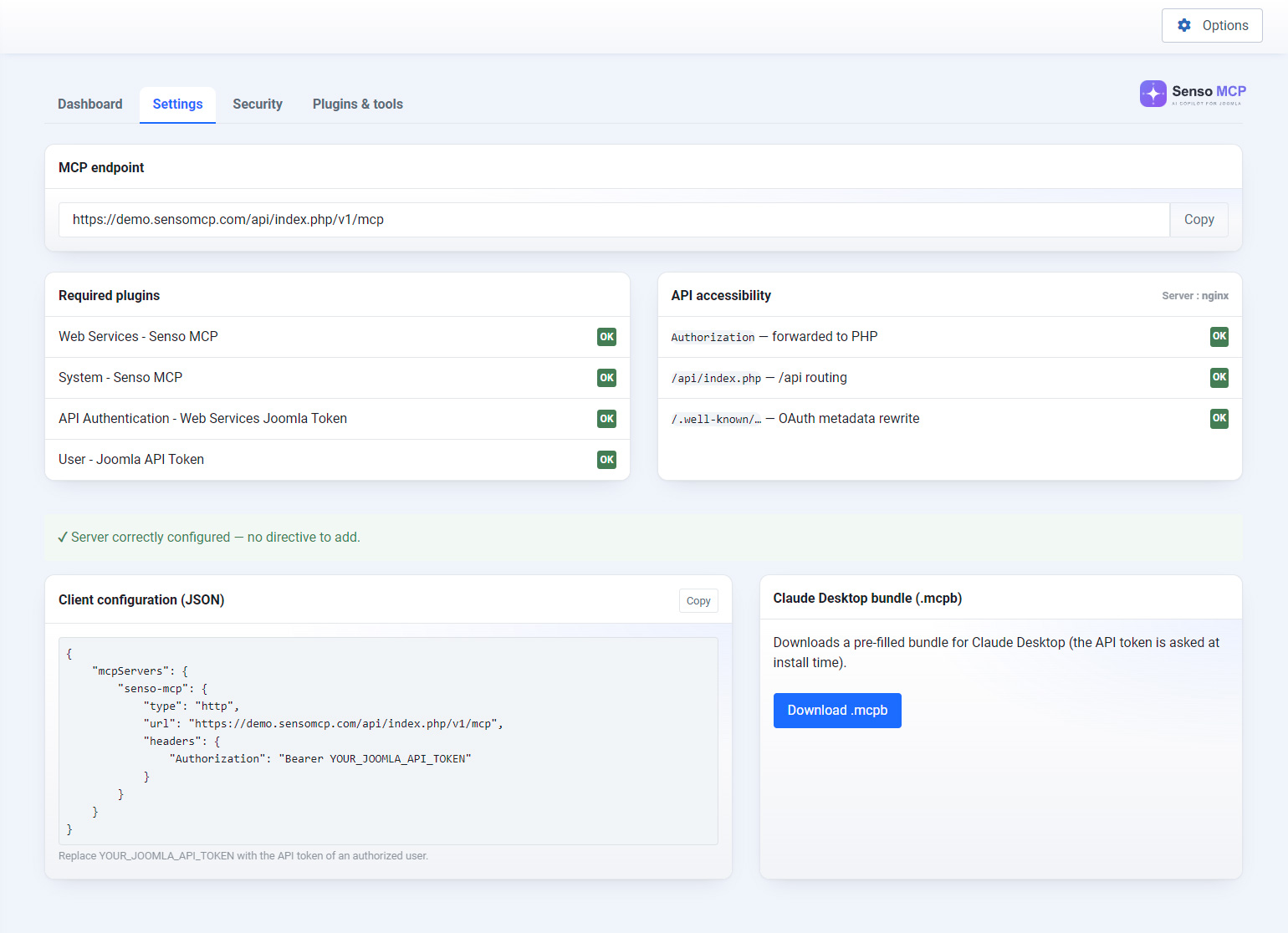
The component settings allow you to adjust the server's behaviour and view connection details, including the MCP server URL to provide to your assistant.
They include settings for the maximum duration of an OAuth authorisation (90 days by default) and limits on the automatic registration of MCP clients per IP address.
System checks
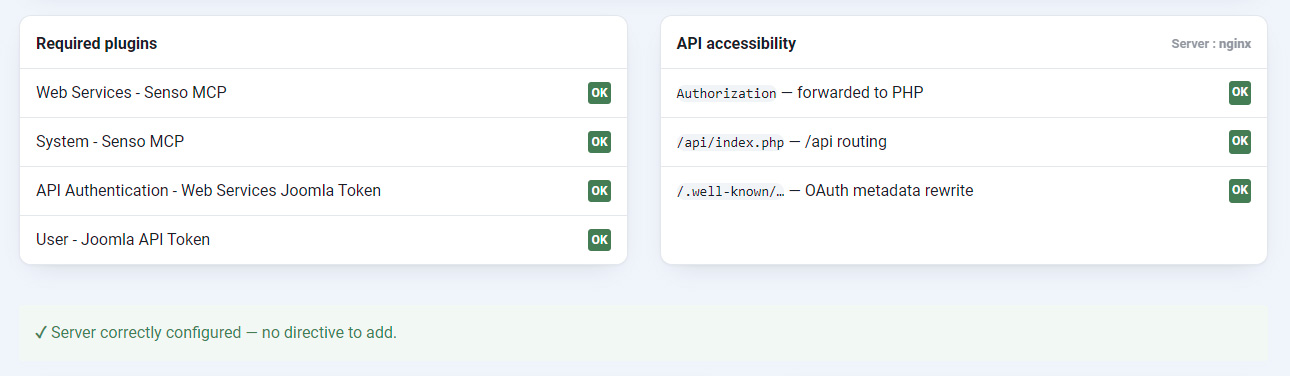
A series of checks verifies that the environment is ready: that the server endpoints and OAuth discovery documents (.well-known) are accessible. Each check is shown in green when it passes, and in red otherwise, together with guidance on how to fix the issue.
Logging
Logging can be enabled to record exchanges and make troubleshooting easier. The logs can be viewed in Joomla; see the Advanced administration section for details.