Documentation
Download ID & installation
The Download ID links your site to your licences, allowing you to install and update paid extensions.
Where to find it
Your Download ID is displayed in your customer account on the shop.
Entering it in Joomla
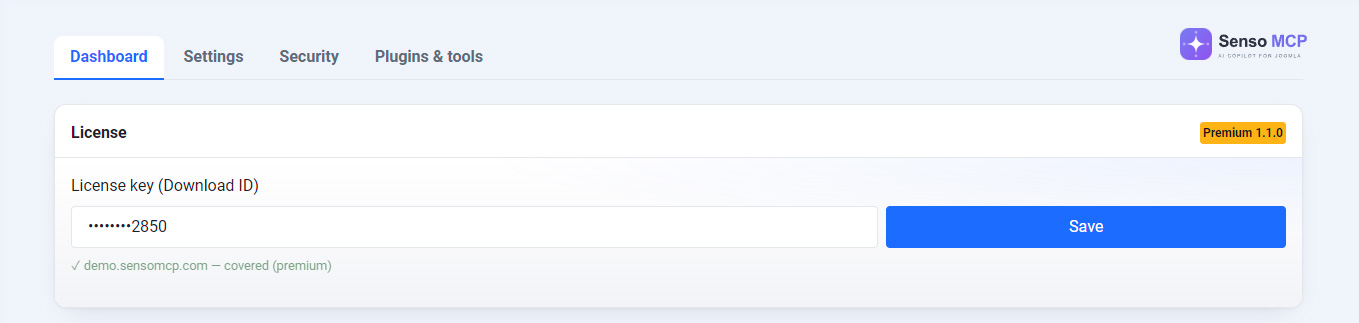
Paste it in full into Joomla's update site options (System → Update). A truncated Download ID will prevent updates.
Gated updates
Updates for paid extensions require a valid Download ID, an active licence, the registered domain and the relevant subscription plan. The free pack, however, can be updated without a Download ID.